Income Tax Portal 2026: Tab 1 vs Tab 2 Explained for ITR Filing
If you logged into the income tax portal at incometax.gov.in in April 2026 and noticed something different, you are not imagining it. The portal now shows two separate tabs at the top of the filing interface. This change has caused significant confusion among salaried professionals, freelancers, and even seasoned tax practitioners.
Understanding income tax portal 2026 Tab 1 vs Tab 2 is not optional if you are filing your ITR in 2026. Selecting the wrong tab will invalidate your filing or cause serious errors in your return.
This guide explains exactly what Tab 1 and Tab 2 are, why they exist, which one you must use for your July 2026 ITR filing, and what happens from 2027 onwards.
Why Does the Income Tax Portal 2026 Now Have Two Tabs?
From April 1, 2026, the Income Tax Act 2025 replaced the Income Tax Act 1961. This is the biggest structural change to Indian tax law in over six decades.
However, the transition is not immediate for taxpayers. Your ITR filing in July 2026 covers income earned in FY 2025-26, which falls under the old Income Tax Act 1961. But your filing in July 2027 will cover Tax Year 2026-27, which falls under the new Income Tax Act 2025.
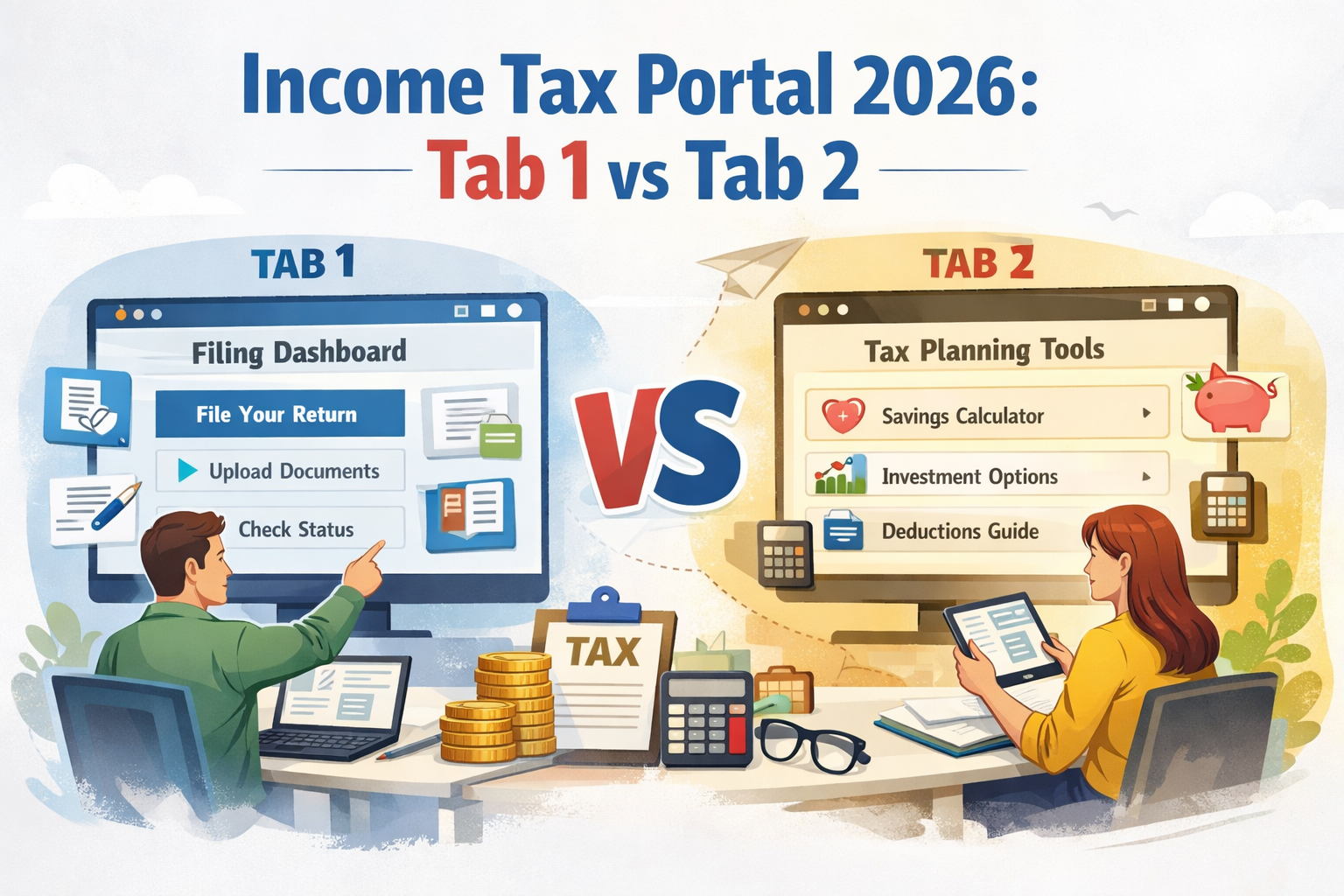
To handle this transition cleanly, the income tax portal introduced two separate tabs:
Tab 1: For FY 2025-26 returns governed by the Income Tax Act 1961 Tab 2: For Tax Year 2026-27 returns governed by the Income Tax Act 2025
Think of it as two separate filing environments living on the same portal. Each tab has its own forms, section references, and compliance requirements.
Tab 1: Income Tax Act 1961
Tab 1 is the tab you must use for your July 2026 ITR filing.
What Tab 1 Covers
Tab 1 covers all income earned from April 1, 2025 to March 31, 2026. This is your FY 2025-26 income which is filed as AY 2026-27.
Everything you know about ITR filing applies here:
- Old section numbers: 80C, 80D, 24b, 192, 234A, 234F
- Old forms: Form 16, Form 26AS, Form 15G, Form 15H, Form 12BB
- Old terminology: Financial Year, Assessment Year
- Old ITR forms: ITR-1, ITR-2, ITR-3, ITR-4
Who Must Use Tab 1
Every taxpayer filing their July 2026 return must use Tab 1. This includes:
- Salaried employees filing ITR-1 or ITR-2
- Self-employed professionals filing ITR-3 or ITR-4
- Business owners and companies
- NRIs filing returns for Indian income
- Senior citizens filing returns
There are no exceptions. Even though the Income Tax Act 2025 is now in force, your July 2026 return is for income earned under the old Act and must be filed under Tab 1.
Key Documents Under Tab 1
| Document | Name Under Tab 1 |
|---|---|
| TDS certificate for salary | Form 16 |
| Tax credit statement | Form 26AS |
| Declaration for no TDS | Form 15G / Form 15H |
| Investment declaration to employer | Form 12BB |
| Annual Information Statement | AIS |
Tab 2: Income Tax Act 2025
Tab 2 is for the new Income Tax Act 2025. As of July 2026, Tab 2 is not yet in active use for ITR filing by most taxpayers.
What Tab 2 Covers
Tab 2 covers Tax Year 2026-27, which is income earned from April 1, 2026 to March 31, 2027. Returns for this period will be filed from July 2027 onwards.
Under Tab 2, everything has been renamed and renumbered:
- New section numbers: Section 123 (was 80C), Section 124 (was 80D), Section 72 (was 24b), Section 392 (was 192 TDS on salary)
- New forms: Form 130 (was Form 16), Form 168 (was Form 26AS), Form 121 (was Form 15G and 15H), Form 124 (was Form 12BB)
- New terminology: Tax Year replaces Financial Year and Assessment Year
- New ITR forms will be introduced for Tax Year 2026-27
Who Uses Tab 2 Now
Currently, Tab 2 is relevant for:
- Advance tax calculations for Tax Year 2026-27
- Investment declarations submitted to employers for FY 2026-27 salary TDS
- Employers computing TDS on salary from April 2026 onwards under Section 392
Most individual taxpayers will not need to use Tab 2 for actual ITR filing until July 2027.
Key Documents Under Tab 2
| Document | Name Under Tab 2 |
|---|---|
| TDS certificate for salary | Form 130 |
| Tax credit statement | Form 168 |
| Declaration for no TDS | Form 121 |
| Investment declaration to employer | Form 124 |
| Annual Information Statement | AIS (same name, updated format) |
Tab 1 vs Tab 2: Side by Side Comparison
| Feature | Tab 1 (Act 1961) | Tab 2 (Act 2025) |
|---|---|---|
| Applicable law | Income Tax Act 1961 | Income Tax Act 2025 |
| Period covered | FY 2025-26 (April 2025 to March 2026) | Tax Year 2026-27 (April 2026 to March 2027) |
| ITR filing deadline | July 31, 2026 | July 31, 2027 |
| Year terminology | Financial Year and Assessment Year | Tax Year |
| Section 80C | Section 80C | Section 123 |
| Section 80D | Section 80D | Section 124 |
| Home loan interest | Section 24(b) | Section 72 |
| TDS on salary | Section 192 | Section 392 |
| Form 16 | Form 16 | Form 130 |
| Form 26AS | Form 26AS | Form 168 |
| Form 15G / 15H | Form 15G / 15H | Form 121 |
| Form 12BB | Form 12BB | Form 124 |
The Most Common Mistake: Selecting the Wrong Tab
Since both tabs exist on the portal simultaneously, many taxpayers are accidentally clicking on Tab 2 when they should be using Tab 1 for their July 2026 filing.
This mistake causes several problems:
Wrong form pre-filling: Tab 2 will attempt to pre-fill data for Tax Year 2026-27, not FY 2025-26. Your salary, TDS, and deduction data will not match.
Section number mismatch: If you enter deductions using old section numbers in Tab 2, the system may not recognize them correctly.
Incorrect assessment year: Your return could get filed for the wrong year, which requires a revised filing and can create complications.
How to avoid this mistake: When you log in to incometax.gov.in for your July 2026 filing, look for the tab labeled “Income Tax Act, 1961” or “FY 2025-26” and click that. Do not click on the tab labeled “Income Tax Act, 2025” or “Tax Year 2026-27.”
What Your April 2026 Salary Slip Shows and Why It Looks Different
Many salaried professionals noticed that their April 2026 salary slips look different from previous months. This is because employers have started updating their payroll systems for the new Act from April 2026.
Your April 2026 salary slip may reference:
- Section 392 instead of Section 192 for TDS on salary
- Form 124 instead of Form 12BB for investment declarations
- Tax Year 2026-27 instead of FY 2026-27
This is correct for the current financial year salary processing. However, when you file your ITR in July 2026 for FY 2025-26, you will still use Tab 1 and old section numbers.
In other words: Your employer is already on the new Act for payroll. But your ITR filing for income earned before March 31, 2026 still uses the old Act.
For a complete explanation of why this transition works this way, see our guide: Tax Year vs Financial Year vs Assessment Year
Step-by-Step: How to File Your ITR Using the Correct Tab
Step 1: Go to Income Tax Department portal and log in with your PAN and password.
Step 2: On the dashboard, look for the filing section. You will see two tabs – one for Act 1961 and one for Act 2025.
Step 3: Click on Tab 1 (Income Tax Act, 1961 / FY 2025-26).
Step 4: Select “File Income Tax Return” and choose Assessment Year 2026-27.
Step 5: Select the appropriate ITR form based on your income sources. For a complete guide on choosing the right form, see: Which ITR Form to File for FY 2025-26
Step 6: Verify pre-filled data against your Form 16, Form 26AS, and AIS. Add any income not pre-filled.
Step 7: Enter deductions using old section numbers (80C, 80D, 24b etc.).
Step 8: Submit and verify your return within 30 days.
Timeline: When to Use Which Tab
| Filing Period | Tab to Use | Covers |
|---|---|---|
| Until July 31, 2026 | Tab 1 | FY 2025-26 income |
| August to December 2026 (belated return) | Tab 1 | FY 2025-26 income |
| From July 2027 onwards | Tab 2 | Tax Year 2026-27 income |
| Revised return for FY 2025-26 (until March 2027) | Tab 1 | FY 2025-26 income |
| Updated return (ITR-U) for FY 2025-26 (up to 4 years) | Tab 1 | FY 2025-26 income |
Frequently Asked Questions
My employer issued Form 130 instead of Form 16. Which tab do I use?
This is likely an error by your employer. Form 130 is the new name for the TDS certificate under the Income Tax Act 2025 and will be issued from June 2027 onwards for Tax Year 2026-27. Your June 2026 Form 16 for FY 2025-26 should still be called Form 16. If your employer has issued Form 130 for FY 2025-26, request them to reissue the correct Form 16. For your ITR filing, use Tab 1.
I see Form 168 in my portal. Is that my Form 26AS?
Form 168 is the new name for the tax credit statement under the Income Tax Act 2025. It will replace Form 26AS from Tax Year 2026-27 onwards. For your July 2026 filing, the portal under Tab 1 will still show Form 26AS. Form 168 will appear under Tab 2.
Can I file both tabs in the same year?
You can only file an ITR for one year at a time. In July 2026, you file under Tab 1 for FY 2025-26. You cannot file under Tab 2 for Tax Year 2026-27 until that year is complete (after March 31, 2027).
What if I accidentally filed under Tab 2?
File a revised return immediately under Tab 1 with the correct assessment year. The July 31, 2026 deadline applies to both original and revised returns. If you discover the error after the deadline, you may need to file a belated return under Tab 1.
Key Takeaways
- Tab 1 is for FY 2025-26 ITR filing due July 31, 2026. Use this tab for your current filing.
- Tab 2 is for Tax Year 2026-27 and is not yet in active use for ITR filing by most individuals.
- All deductions, section references, and forms under Tab 1 use old Income Tax Act 1961 numbering.
- Selecting the wrong tab can invalidate your filing or cause data mismatch errors.
- Your employer may already be using new Act 2025 references on payroll – this does not change which tab you use for FY 2025-26 ITR filing.
Conclusion
The two-tab structure on the income tax portal is designed to manage the transition from the Income Tax Act 1961 to the Income Tax Act 2025 smoothly. For every taxpayer filing their return in July 2026, the answer is simple: use Tab 1.
Tab 2 will become relevant from July 2027 when Tax Year 2026-27 returns are filed. Until then, everything you know about ITR filing under the old Act continues to apply.
When in doubt, check the label on the tab before you start filling any details. A few seconds of verification can save hours of corrections later.
Next read: Income Tax Act 2025 vs Income Tax Act 1961 | ITR Filing Last Date 2026
📚 Also Read: