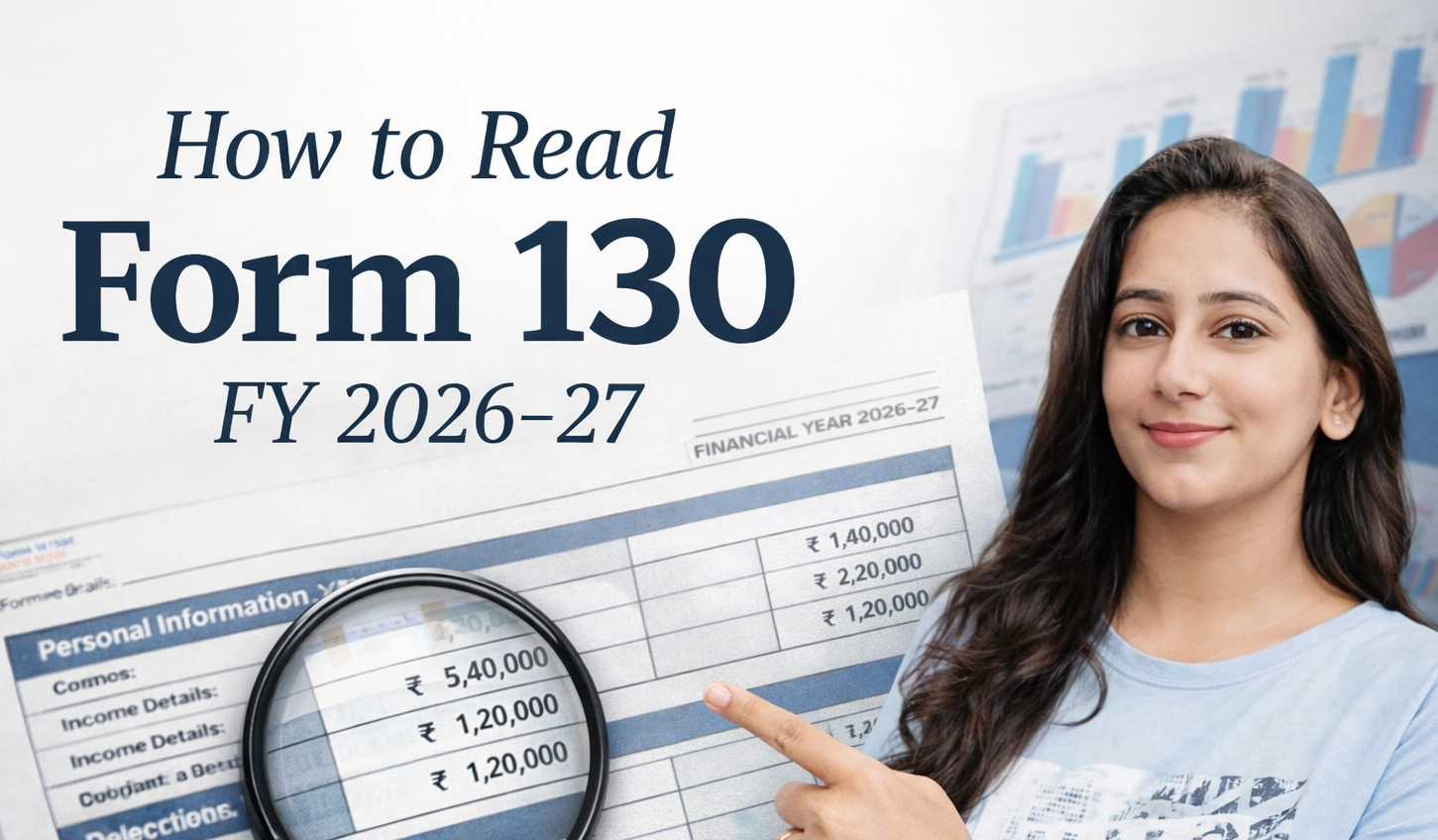
How to Read Form 130: Complete Guide FY 2026-27
Form 130 Is Now Your Most Important Tax Document. Here Is How to Read It.
For over six decades, Form 16 has been the document that every salaried professional in India waited for every June. It told you everything about your salary, deductions, and tax for the year, and it was the starting point for filing your income tax return.
From June 2027 onwards, Form 16 will no longer exist. In its place, you will receive Form 130 under the Income Tax Act 2025.
With 7 years of experience in finance and income tax, I have helped hundreds of professionals understand and use their Form 16 correctly for ITR filing. This guide does the same for Form 130: what it contains, how to read each part, what numbers to use where in your ITR, and how to spot errors before they cause problems.
Important Timeline: The last Form 16 will be issued in June 2026 for FY 2025-26. The first Form 130 will be issued in June 2027 for Tax Year 2026-27. If you are filing your ITR this year (for FY 2025-26), you will still receive and use Form 16. This guide covers both Form 16 and Form 130 so you are prepared for both.
What Is Form 130?
Form 130 is the TDS certificate issued by your employer confirming that income tax has been deducted from your salary and deposited with the government. It is the successor to Form 16 under the Income Tax Act 2025.
The purpose remains identical to Form 16. What changes is the structure, the level of detail, and how it is generated. Form 130 is fully system-generated from the TRACES portal and cannot be issued manually by any employer.
Form 16 vs Form 130: Key Differences at a Glance
| Feature | Form 16 (Old) | Form 130 (New) |
|---|---|---|
| Number of parts | 2 (Part A and Part B) | 3 (Part A, Part B, and Part C) |
| Generation method | Could be issued manually | Only from TRACES portal, no manual issuance |
| Tax computation | Basic summary in Part B | Full detailed computation in Part C |
| Coverage | Salaried employees only | Salaried employees, pensioners, specified senior citizens |
| Section reference | Section 203, Income Tax Act 1961 | Section 395, Income Tax Act 2025 |
| First issued | Decades ago | June 2027 (for Tax Year 2026-27) |
Structure of Form 130: Three Parts Explained
Part A: Employer and Employee Details
Part A establishes who issued the certificate, to whom, and for what period. It contains:
- Employer details: Name, address, PAN, TAN, email, and contact number of your employer
- Employee details: Your name, address, and PAN
- Tax Year: For example, 2026-27 (April 1, 2026 to March 31, 2027)
- Period of employment: From date to date, showing exactly which period this certificate covers. This is a new field not present in Form 16 and is particularly useful for professionals who changed jobs during the year.
What to verify in Part A:
- Your PAN is correctly mentioned. An incorrect PAN means TDS credit will not reflect in your Form 168 (earlier Form 26AS).
- Employer TAN is correctly mentioned. This is how the tax department links TDS deposits to your PAN.
- Period of employment dates are accurate, especially if you joined or left mid-year.
Part B: TDS Summary
Part B contains a summary-level reconciliation of salary paid and TDS deducted. It shows:
- Total salary paid or credited during the tax year
- Total TDS deducted
- Total TDS deposited with the government
- Quarterly breakup of TDS deposits
What to verify in Part B:
- Total TDS shown in Part B matches what your salary slips show cumulatively
- All four quarters of TDS deposits are reflected
- The figures match your Form 168 (earlier Form 26AS). If there is a mismatch, raise it with your employer before filing your ITR
Part C: Detailed Tax Computation (The New Addition)
Part C is what makes Form 130 more comprehensive than Form 16. It has two annexures:
Part C Annexure I (For Salaried Employees):
This is the most important section for most professionals. It contains a complete computation of your taxable income:
- Gross salary breakup (basic, HRA, allowances, perquisites)
- Exemptions claimed (HRA, LTA, etc.)
- Net salary after exemptions
- Standard deduction
- Deductions under Chapter VI-A (80C, 80D, 80E, etc.)
- Total taxable income
- Tax computed on taxable income
- Relief under Section 157 (earlier Section 89 for arrear salary)
- TDS and TCS already paid
- Net tax payable or refundable
Part C Annexure II (For Specified Senior Citizens):
This annexure applies to senior citizens aged 75 and above who have opted for their bank to compute and deduct tax on interest income. It includes pension income, interest income from the specified bank, and tax details. Most salaried professionals will not need this annexure.
How to Read Form 130 for ITR Filing: Section by Section
When you receive Form 130, here is exactly where each number goes in your ITR.
Step 1: Verify Part A Details First
Before looking at any numbers, confirm your PAN and employer details are correct. An error here can cause TDS credit mismatches.
Step 2: Use Part C Annexure I for Income Details
| Form 130 Field | Where It Goes in ITR |
|---|---|
| Gross Salary | Salary Schedule: Gross Salary |
| HRA Exemption | Salary Schedule: Allowances exempt under Section 10 |
| Standard Deduction | Salary Schedule: Standard Deduction |
| Net Salary (Taxable) | Salary Schedule: Income chargeable under head Salaries |
| Section 80C amount | Chapter VI-A Deductions: Section 80C |
| Section 80D amount | Chapter VI-A Deductions: Section 80D |
| Total Taxable Income | Cross-check with your own calculation |
| TDS deducted | TDS Schedule: TDS on Salary |
Step 3: Cross-Check TDS with Form 168
The TDS amount shown in Form 130 Part B must match what appears in your Form 168 (earlier Form 26AS) for the same employer. Download Form 168 from the income tax portal under Services and compare the figures before filing.
If there is a mismatch, do not file until it is resolved. A mismatch means either your employer has not deposited TDS or there is a data entry error. Contact your employer’s payroll or HR team immediately.
How to Read Form 16 (For FY 2025-26 ITR Filing)
Since you will still receive Form 16 for FY 2025-26 in June 2026, here is how to read it.
Form 16 Part A
Contains:
- Employer name, address, TAN, PAN
- Your name and PAN
- Assessment Year (2026-27 for FY 2025-26)
- Quarterly TDS deposits summary
Part A is downloaded directly from TRACES by your employer and carries a digital signature. Any Part A without a TRACES watermark is invalid.
Form 16 Part B
Contains:
- Detailed salary breakup
- Exemptions claimed
- Standard deduction
- All Chapter VI-A deductions
- Taxable income computation
- Tax payable and TDS deducted
Part B is prepared by your employer and must be manually cross-checked against your investment proofs. Employers sometimes make errors in Part B, so always verify the deduction amounts against your own records.
Common Errors to Spot in Form 16 and Form 130
With 7 years of experience reviewing these documents, these are the errors I see most frequently:
Error 1: Incorrect PAN
If your PAN is wrong in the form, TDS credit will not appear in your Form 26AS or Form 168. You cannot claim the TDS deducted if it is not linked to your correct PAN. Raise this with your employer immediately and ask them to file a revised TDS return.
Error 2: Wrong HRA Exemption Amount
Employers sometimes calculate HRA incorrectly, especially for professionals in Bangalore, Hyderabad, Pune, and Ahmedabad who from FY 2026-27 qualify for 50% exemption instead of 40%. Verify your HRA exemption independently using our HRA Calculator before accepting the employer’s figure.
Error 3: Missing 80C Deductions
If you submitted investment proofs late or your employer did not process them, your 80C deductions may be missing or lower than expected in the form. In this case, claim the correct amount directly in your ITR. The deduction is yours to claim regardless of what the employer has shown. Read the complete Section 80C guide to ensure you are claiming all eligible amounts.
Error 4: TDS Mismatch with Form 26AS
The TDS shown in your Form 16 or Form 130 does not match Form 26AS or Form 168. This usually happens when the employer has filed a TDS return with errors. Do not file your ITR until this is resolved. The ITR system will flag this mismatch automatically and may lead to a demand.
Error 5: Incorrect Period of Employment
Especially common for professionals who joined or left mid-year. Verify the employment period mentioned in Part A against your actual joining and leaving dates. An incorrect period can cause issues when the tax department cross-verifies employer records.
Error 6: Perquisite Values Not Updated
From FY 2026-27, perquisite valuation rules have changed under the Income Tax Rules 2026. Some perquisites that were previously valued differently may now have different taxable values. Verify that your employer has applied the updated rules when computing taxable perquisites in Form 130.
What to Do If You Receive Multiple Form 130s
If you changed jobs during Tax Year 2026-27, each employer will issue a separate Form 130 covering their respective period of employment.
Part A and Part B will be issued separately by each employer for their specific period. Part C Annexure I (detailed tax computation) can be issued by either each employer or only the last employer, at your option.
When filing your ITR:
- Add salary income from all Form 130s together
- Add TDS from all Form 130s together
- Declare total deductions as applicable
- Verify combined TDS against Form 168
For step-by-step ITR filing guidance including handling multiple Form 130s, read how to file ITR online.
How to Download Form 130
Unlike Form 16, which employers sometimes issued as a PDF they prepared themselves, Form 130 can only be downloaded from the TRACES portal. Your employer will:
- File quarterly TDS returns via Form 143 (earlier Form 24Q)
- After Q4 return is processed, download Form 130 from TRACES
- Issue it to you by June 15 following the tax year
If your employer gives you a Form 130 that is not downloaded from TRACES, it is not a valid document. The form must carry the TRACES digital signature and watermark.
You can also download Form 130 yourself from the TRACES portal using your PAN and the employer’s TAN if needed.
Form 130 and the New Income Tax Portal
The income tax portal (incometax.gov.in) now has two tabs:
- Tab 1: Income Tax Act, 1961 for FY 2025-26 and earlier filings
- Tab 2: Income Tax Act, 2025 for Tax Year 2026-27 onwards
When filing ITR for FY 2025-26 (due July 2026), use Tab 1 with Form 16. When filing for Tax Year 2026-27 (due July 2027), use Tab 2 with Form 130. Choosing the wrong tab is an easy mistake that can invalidate your filing.
Frequently Asked Questions on Form 130
When will I receive my first Form 130?
The first Form 130 will be issued by June 15, 2027 for Tax Year 2026-27. In June 2026, you will still receive Form 16 for FY 2025-26 as usual.
Can my employer issue Form 130 manually?
No. Form 130 must be downloaded from the TRACES portal only. Employers cannot issue it manually. Any Form 130 not carrying the TRACES digital signature is invalid.
What if there is an error in my Form 130?
Your employer must file a revised TDS return in Form 143 (earlier Form 24Q). Once processed, a corrected Form 130 can be downloaded. Raise the error with your employer’s HR or payroll team as early as possible, well before the ITR filing deadline.
Is it mandatory to attach Form 130 with my ITR?
No. ITR filing does not require you to attach Form 130 or Form 16. However, you must keep it safely for at least 6 years in case the tax department asks for verification during scrutiny.
Can I have multiple Form 130s?
Yes. If you worked with more than one employer during the tax year, each employer issues a separate Form 130 covering their period of employment.
What if my employer delays issuing Form 130?
The deadline for employers to issue Form 130 is June 15. If not received by then, contact your HR team. You can also check your TDS credit independently through Form 168 on the income tax portal and file your ITR based on actual salary and TDS data even without the form, though having Form 130 is strongly recommended for accuracy.
How is Form 130 different from Form 168?
Form 130 is issued by your employer and shows salary, deductions, and TDS specifically from that employer. Form 168 (earlier Form 26AS) is issued by the income tax department and shows all TDS on your PAN from all sources including salary, FD interest, property sale, etc. Both must match for the salary TDS component. Read more about TDS on salary and how to verify it.
Quick Reference: Form Transition Summary
| Old Form | New Form | Purpose | Effective From |
|---|---|---|---|
| Form 16 | Form 130 | Salary TDS certificate | June 2027 (for TY 2026-27) |
| Form 16A | Form 131 | Non-salary TDS certificate | April 2026 |
| Form 26AS | Form 168 | Annual tax credit statement | April 2026 |
| Form 24Q | Form 143 | Employer quarterly TDS return | April 2026 |
| Form 12BB | Form 124 | Employee investment declaration | April 2026 |
For the complete guide on what changed under the Income Tax Act 2025 including Form 16 being replaced by Form 130, read the Form 16 replaced by Form 130 guide.
For the complete income tax picture including slabs, deductions, and filing, read the Complete Income Tax Guide India 2025-26 and 2026-27.
Questions about reading your Form 16 or Form 130? Drop them in the comments below.